Project Overview
Namma QR is a digital restaurant menu and QR ordering platform designed to help restaurants, cafés, hotels and food businesses replace traditional printed menus with an easy-to-manage digital menu.
Customers simply scan a QR code placed on the table or at the restaurant entrance and access the restaurant menu directly from their mobile phone. The restaurant can manage and update menu information through an administrative dashboard without needing to print new menus.
Main Concept
Restaurant → Dashboard → Digital Menu → QR Code → Customer
The restaurant administrator manages menu information through the dashboard. A unique QR code can then be used by customers to access the latest menu.
Full Project Description
1. Digital QR Menu
Namma QR provides restaurants with a completely digital menu.
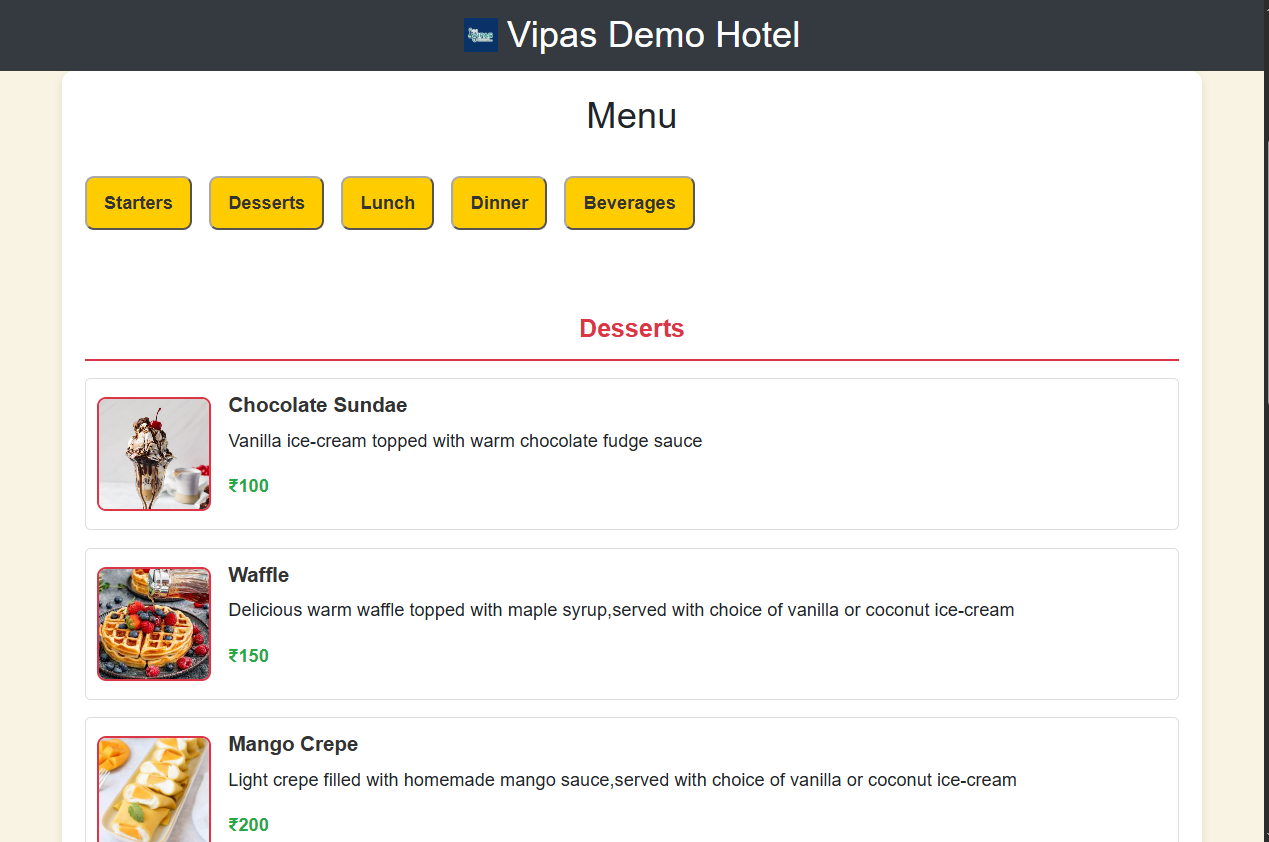
Instead of maintaining printed menus, restaurants can display a QR code on tables, counters or entrances. Customers scan the QR code using their smartphones and immediately view the available menu.
2. Restaurant Dashboard
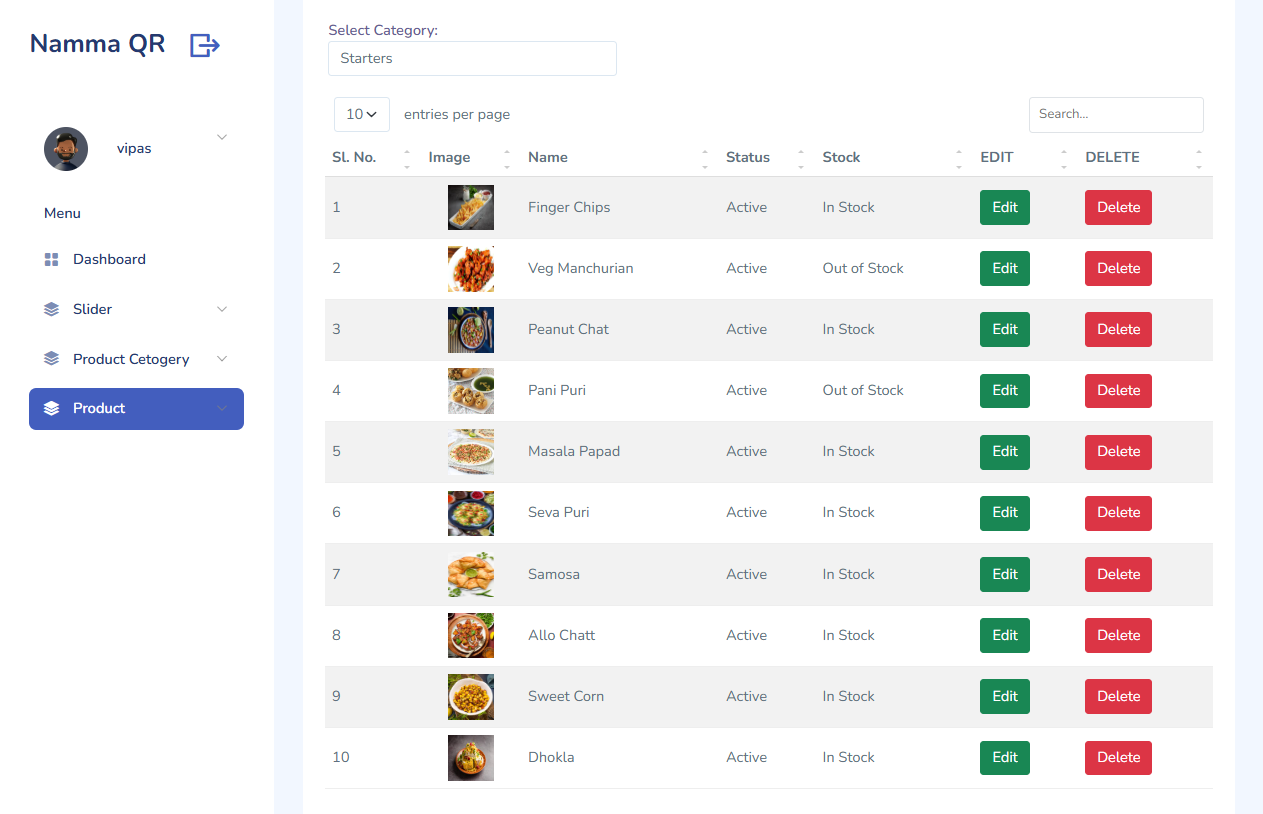
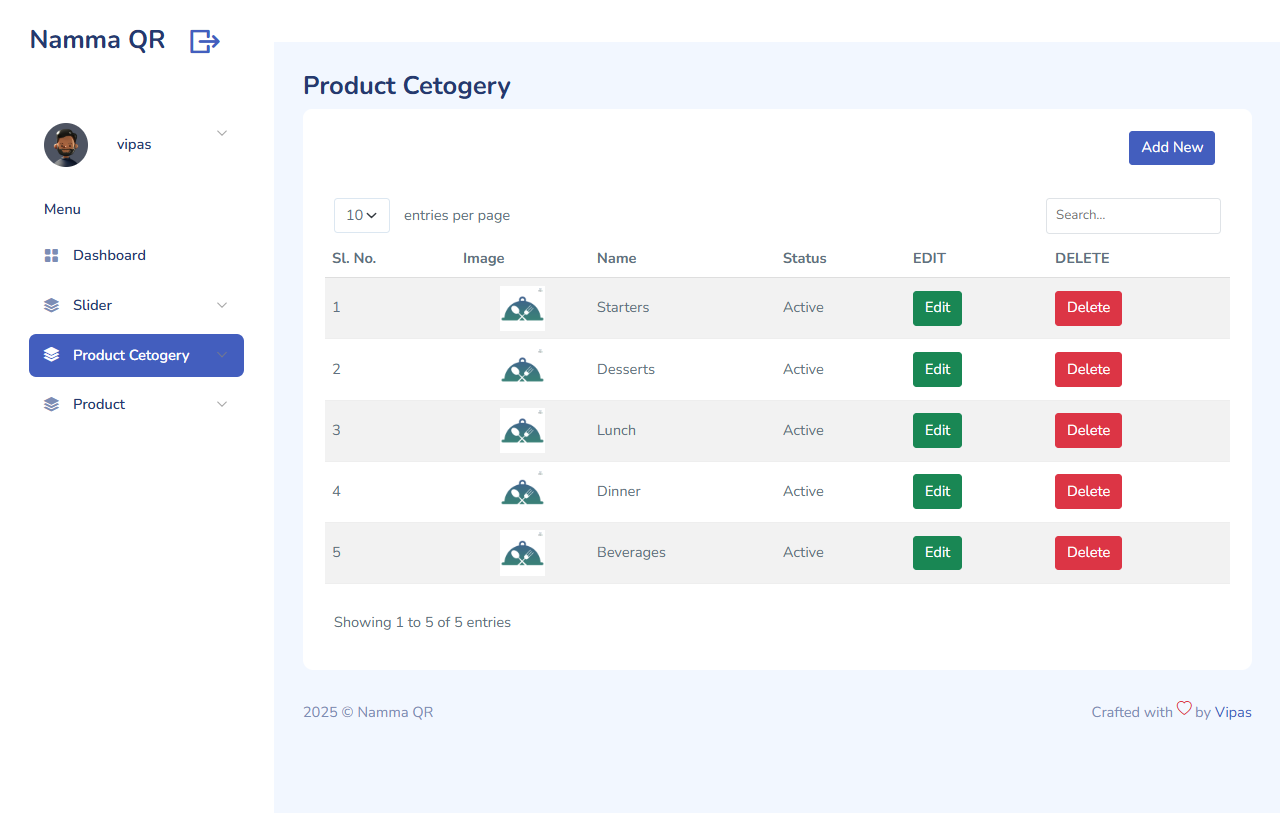
The admin/dashboard is the core management component of the platform.
Through the dashboard, restaurant owners or administrators can manage their digital menu and business information from a centralized system.
The dashboard can be described as providing functionality such as:
- Restaurant profile management
- Menu category management
- Food/item management
- Item names and descriptions
- Food pricing
- Food images
- Availability/status management
- Menu ordering/sorting
- QR code management
- Digital menu management
- Customer/order-related management
- Subscription/plan management
- Dashboard overview and statistics
This makes the system more than a simple QR-code generator. It acts as a centralized restaurant menu management platform.
3. Real-Time Menu Updates
One of the major benefits is that menu changes can be made digitally without reprinting physical menus.
For example, if a restaurant changes the price of a biryani from ₹180 to ₹200, the administrator can update it from the dashboard and the digital menu can reflect the updated information.
4. QR Code-Based Access
The system follows a simple customer workflow:
Step 1: QR code is placed on the restaurant table/entrance.
Step 2: Customer scans the QR code.
Step 3: Customer opens the digital menu on their mobile.
Step 4: Customer browses categories and food items.
5. Mobile-Friendly Menu
The digital menu is intended to be accessed directly from smartphones, allowing customers to browse the restaurant offerings without installing a separate application.
6. Menu Categories
Restaurants can organize their food items into categories such as:
- Starters
- Main Course
- South Indian
- North Indian
- Chinese
- Fast Food
- Desserts
- Beverages
- Special Items
This makes it easier for customers to find particular types of food.
7. Food Item Management
Each menu item can contain information such as:
- Food name
- Description
- Price
- Image
- Category
- Availability
- Display order/status.
This allows restaurants to maintain a structured digital menu.
Business Benefits
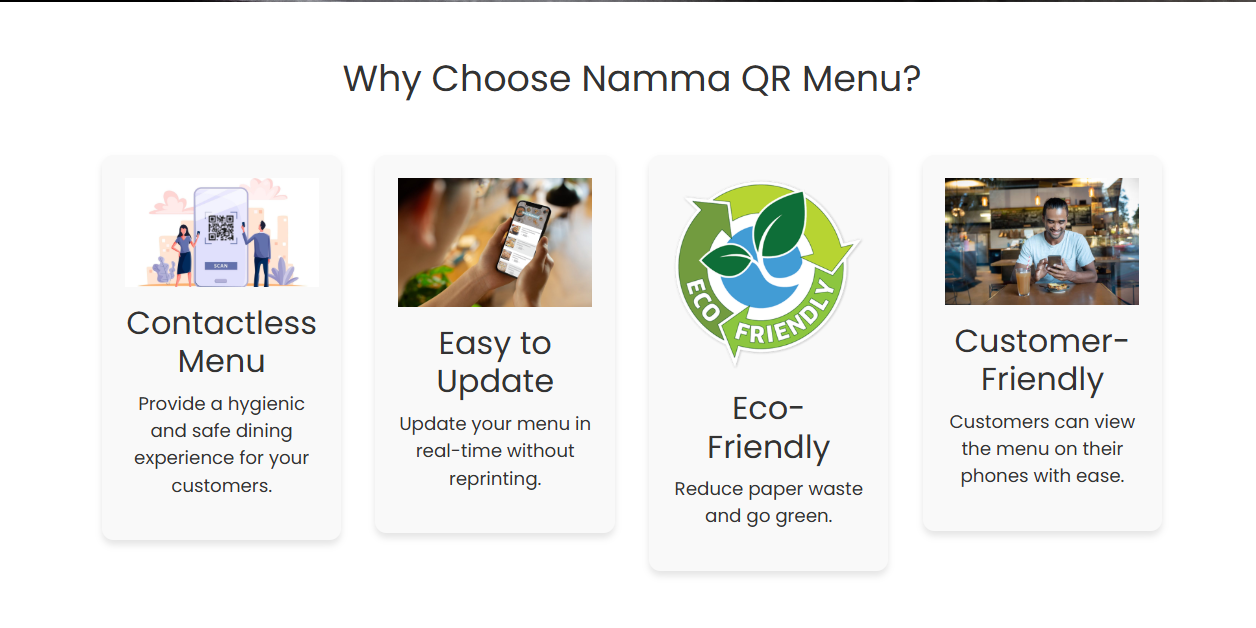
Contactless Dining
Customers can access the menu directly through their phones, reducing the need to handle physical menus.
Easy Menu Maintenance
Restaurants can change menu information without designing and printing a new physical menu.
Reduced Printing Costs
Digital menus reduce the need for repeatedly printing menus when prices, dishes or categories change.
Environment Friendly
Digital menus help reduce paper usage and provide a more environmentally friendly alternative to traditional printed menus.
Better Customer Experience.
Customers can simply scan, browse and access the latest menu from their own devices.
Subscription Model.
The current public website displays three plans:
PlanTarget CustomerCurrent Displayed PriceBasicSmall businesses₹545/monthProMedium-sized restaurants₹1,090/monthEnterpriseLarge chains and franchisesContact Us
These are the prices currently displayed on the public website.